
Training Resources
Additional guides, manuals, and documentation for your communications infrastructure.
Elevate Resources
Learn the fundamentals of the Elevate AI-powered unified communications platform.
Request Specific TrainingElevate Support Center
Resources for the AI-Enhanced Contact Center solution.
Request Specific TrainingShow Your Customers Elevate in Action
These demos and videos will help educate your customers on the features and benefits of the Elevate desktop and mobile apps. You can share these with your customers directly or host on your company website!
App and Product Videos
See how Elevate brings together voice, video, chat, file sharing, contact center, and archiving in one seamless experience.
Desktop App
See how Elevate brings together voice, video, chat, file sharing, contact center, archiving in one seamless desktop experience.
Watch on VimeoDesktop App with Call Controller Mode
Learn how the Elevate App enhances your desk phone calling experience.
Watch on VimeoMobile App
Learn how the Elevate mobile app will keep you connected to your team and your customers anywhere, anytime.
Watch on VimeoElevate + Contact Center
See how Elevate and Contact Center help users be more productive and create a better customer experience.
Watch on VimeoElevate + Archiving
Elevate Archiving protects your organization by capturing, storing, and providing search across calls, chats, SMS and more.
Watch on VimeoElevate Control Panel
Elevate's web-based control panel lets you easily manage and deploy the Elevate solution through a 'single pane of glass'.
Watch on VimeoElevate Product Demos
Interactive demos with text boxes that help your customers learn how to use Elevate.
Interactive Demos
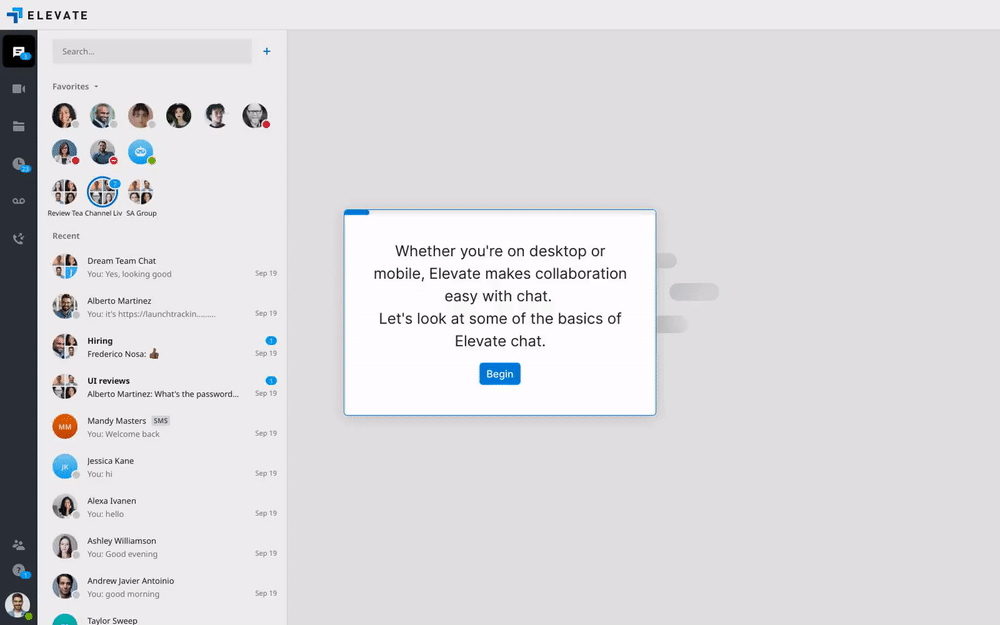
Chat
Learn how to chat 1:1 or in a group, set favorites, search chats, and text mobile numbers.
Open Interactive Demo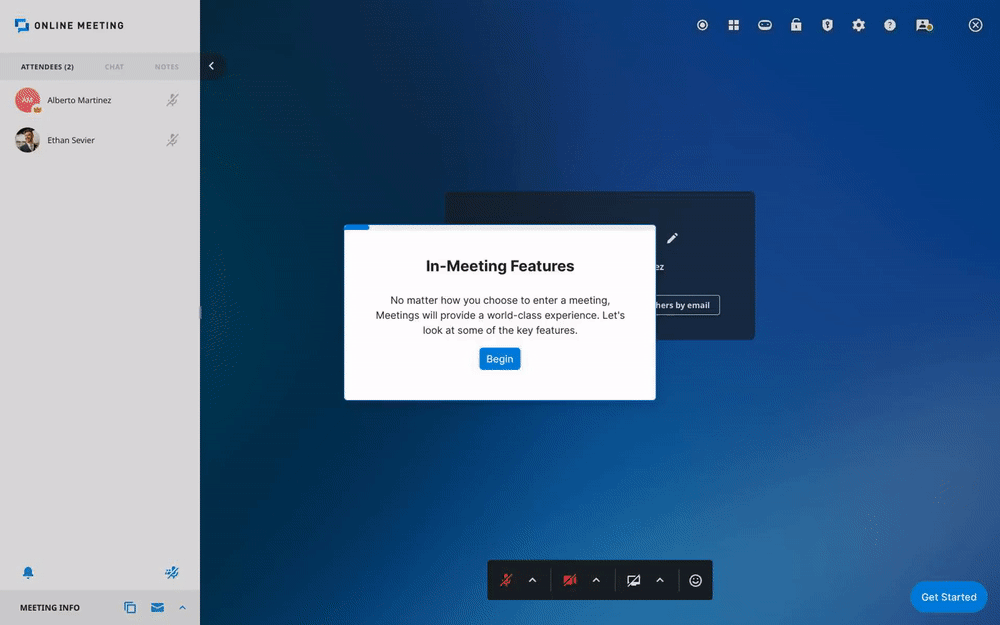
Meetings
Learn how to schedule, join, or start a meeting, and use in-meeting features.
Open Interactive Demo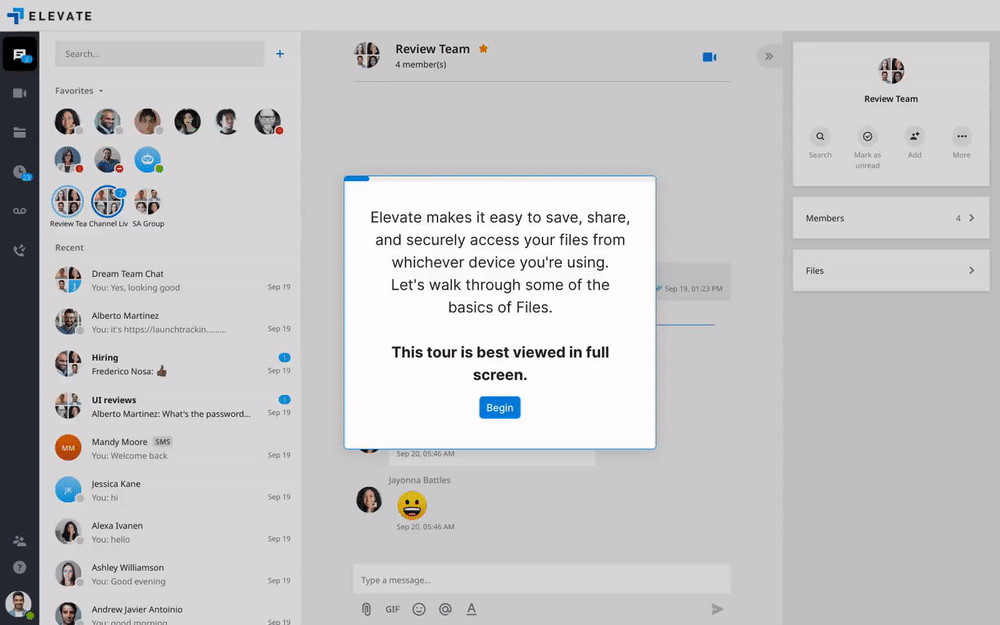
Files
Learn how to securely access, save, share, and collaborate on files and folders.
Open Interactive Demo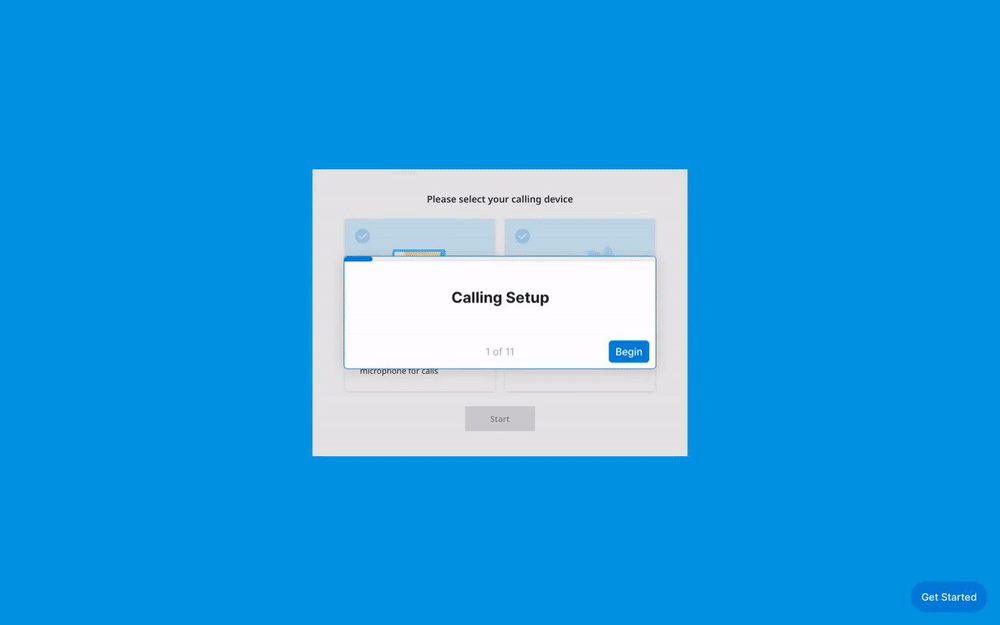
Calling
Learn how to set up calling for computer (softphone) or deskphone (call controller mode).
Open Interactive DemoVideo Tutorials
Placing and Receiving Calls
Learn how to place calls on the dial pad, through your contacts, from a chat, etc.
Watch on VimeoActive Call Actions
Learn how to use call features like "flip", "park", and "transfer" for effective call handling.
Watch on VimeoVoicemail and Call History
Learn where to access and manage voicemail, call history, and voicemail settings in the app.
Watch on VimeoDevice Videos
Device setup videos for our top-selling Elevate devices.
Elevate V64
Now PlayingInline playback may be blocked for this video. Use Vimeo fallback.
Watch on VimeoEmbedded Solutions for Microsoft Teams
These videos demonstrate the user experience for our embedded solutions for Microsoft Teams.
Placing and Receiving Calls
Learn how to place calls from the Elevate tab within Teams.
Watch on VimeoActive Call Actions
Learn how to use call features like "flip", "park", and "transfer" within Teams.
Watch on VimeoVoicemail and Call History
Learn where to access and manage voicemail, call history, and settings in the Elevate Teams Embedded App.
Watch on VimeoElevate + Contact Center
Learn how Elevate and Contact Center integrate with Microsoft Teams.
Watch on VimeoInstalling the Elevate for Teams Embedded Experience
Learn how to install the Elevate for Teams Embedded Apps.
Watch on VimeoBusiness Calling in the Teams Mobile App
Learn how to use Elevate calling in the Microsoft Teams mobile app.
Watch on VimeoAI Call Recap
Learn how to set up and use AI Call Recap to automatically analyze recorded calls.
Need Personalized Onboarding?
Our support engineers provide one-on-one training for your entire team to ensure a seamless transition.
Schedule a Session